
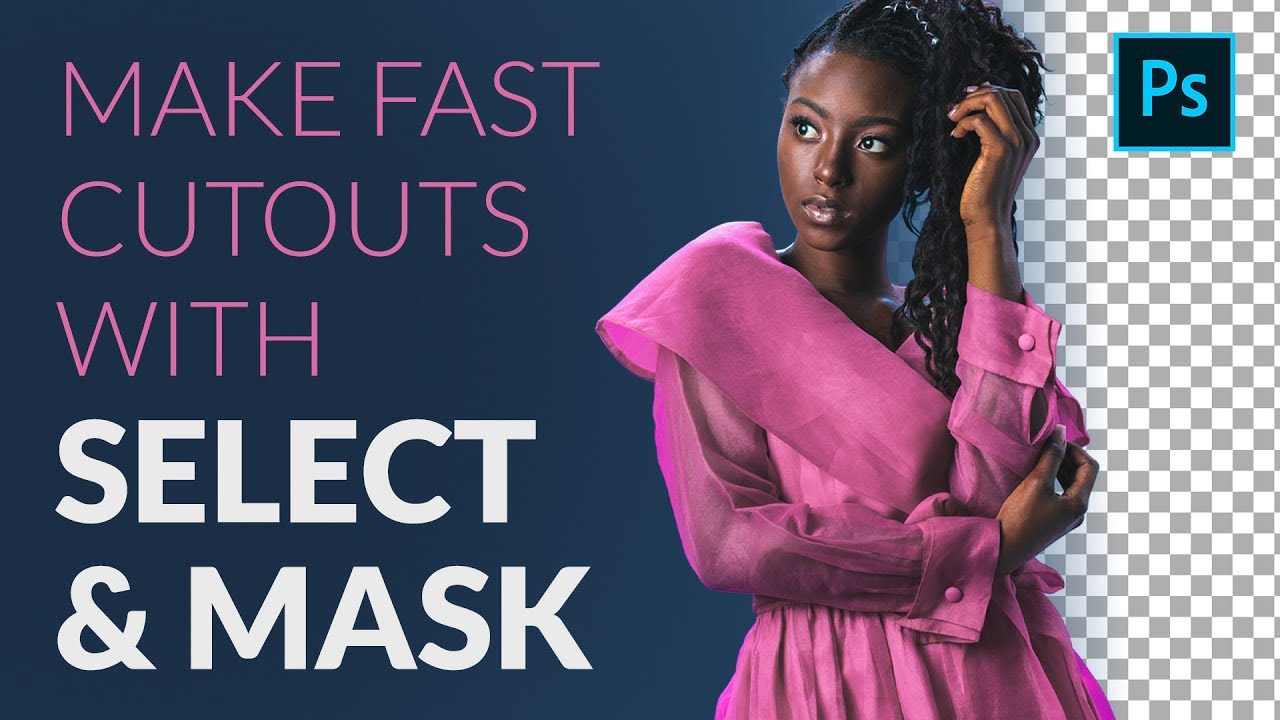
 Today we show you how to make fast and accurate cutouts of people with Select and Mask in Photoshop. Learn to use the Quick Selection Tool to make the initial selection, clean up the soft edges of hair and clothing with the Refine Edge Tool, and then change the background color, adding a spotlight effect to draw more attention to the subject!
 Download the Sample Image & Sample PSD!
Over 120 in-depth courses covering Photoshop, Lightroom, and photography–and all for one low monthly price. Learn new skills and start making amazing images today:
Visit PHLEARN.com for more FREE tutorials:
Subscribe now for new tips and tricks every week!:
Let's be friends!
Instagram ►
Facebook ►
Twitter ►
Phlearn ►


0 Comments